₹ 0
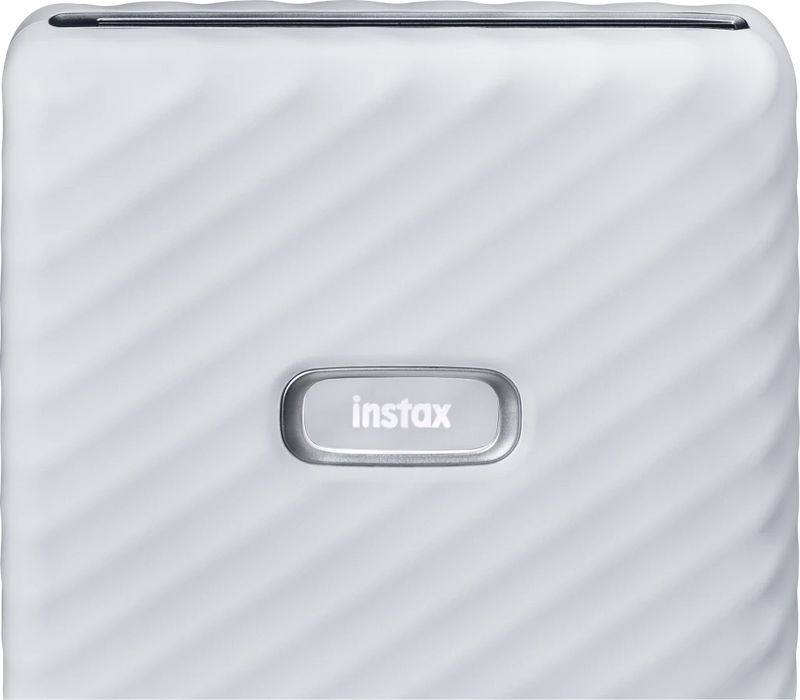
Color Ash White
Get Best Price
₹ 16,999 Inclusive of all taxes.Frequently bought together
When will it arrive?
Enter your PIN code to check delivery date
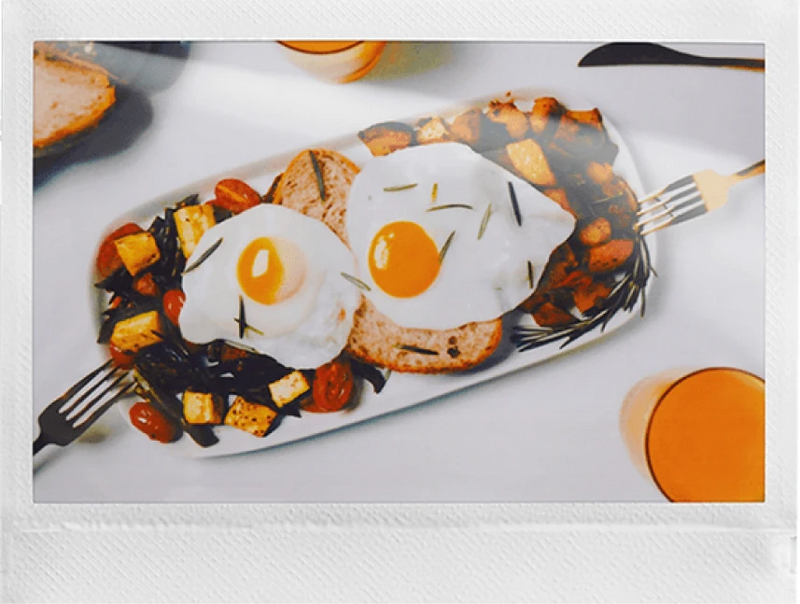
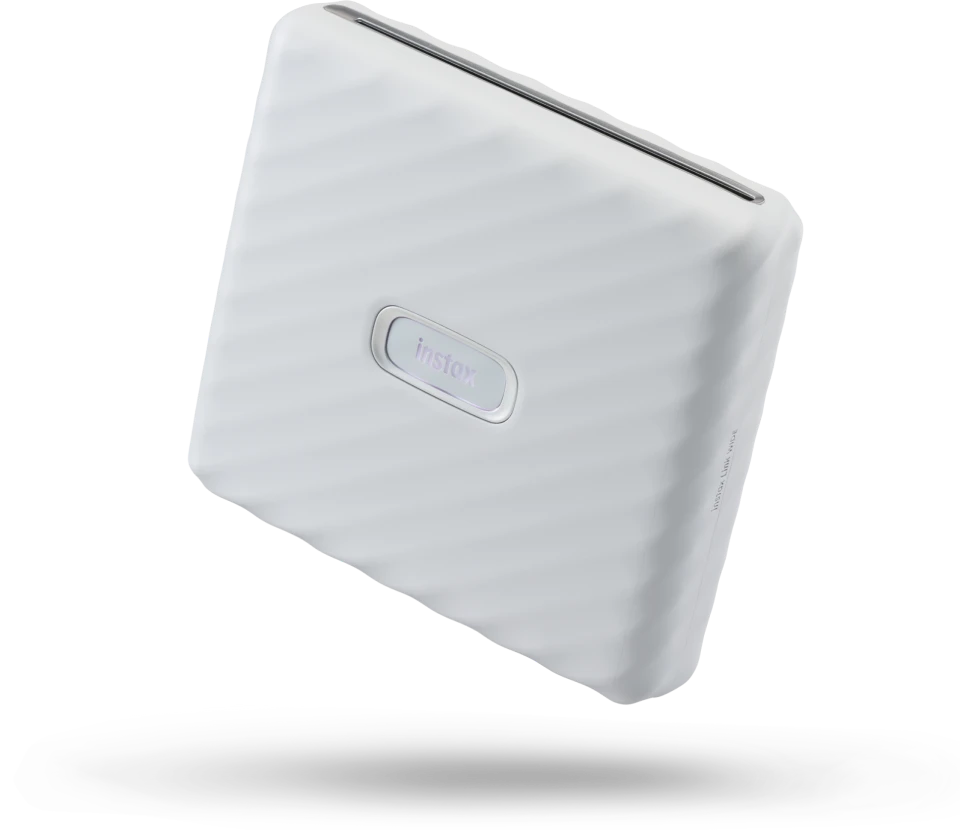
Print and share your moments with wider frames and high-quality images. Sketch, edit and print directly from your phone, personalise with editable templates, add a QR code to bring prints to life, and choose between instax-Natural Mode™ and instax-Rich Mode™ for the perfect finish. The instax Link WIDE™ app makes every print uniquely yours.
instax Link Wide Printer, USB Cable, Built-in Stand, Hand Strap, User Manual


The WIDE difference
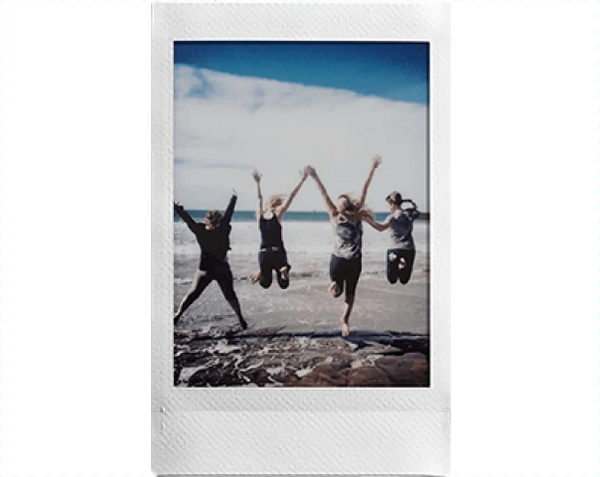
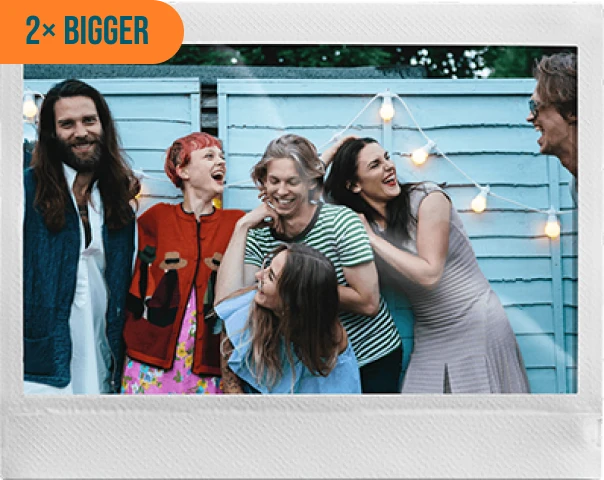
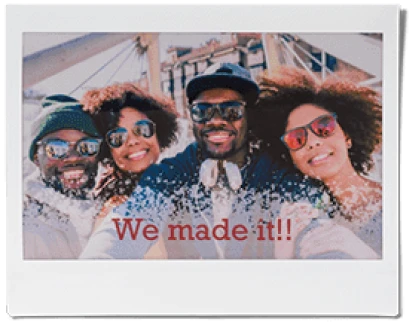
Twice as wide as mini film, instax WIDE gives you more room for group shots, sweeping landscapes, and life's bigger moments.


3-color exposure with OLED FUJIFILM instax WIDE Instant Film (sold separately) 10 films/packSize - 62mm × 99mm
Bluetooth Ver. 4.2 (BLE)
3-color exposure with OLED
Internal lithium-ion battery (not removable). Approx. 100 prints (from full charge). Charging time: Approx. 1.5 to 2 hours
139mm × 127.5mm × 33.7mm (excluding projecting parts Approximately 340 g (excluding film pack)
Printing resolution:12.5 dots/mm (318 dpi, 80 μm dot pitch) Printing levels: 256 levels per color (RGB) Image recording - photo output (fed out): Approximately 12 sec.
Temperature: +5 oC to +40 oC Humidity: 20% to 80% (no condensation)
USB cable (BOD700-101, Length: 30 cm) Stand (1) Strap (1)
Features
Simple Print
Swipe to Print
in Seconds
Pick, edit, connect via Bluetooth,
and swipe to print your WIDE
photo in seconds.
Step 01
Select & edit your photo
Step 02
Connect via Bluetooth
Step 03
Swipe up to print
Enhanced Quality Prints
Pick your style.
Print your way with instax-Natural Mode™ for classic tones or instax-Rich Mode™ for vibrant color. Two modes, one printer.
Rich Mode™ | Natural Mode™
Print Stills from Video
Pause & Print.
Turn video moments into prints. Pick a frame, add a QR code, and relive it anytime.
QR Print Mode
QR Print Mode
Add a scannable QR code to your print for a hidden surprise when scanned.
Record audio. Scan the print to hear it play.
Link any URL. A recipe, a playlist, a video.
Pin a location. Hide it. Will they scan and seek?
A secret message only visible when scanned.
Editable Template Print
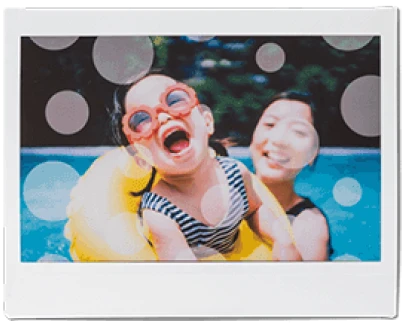
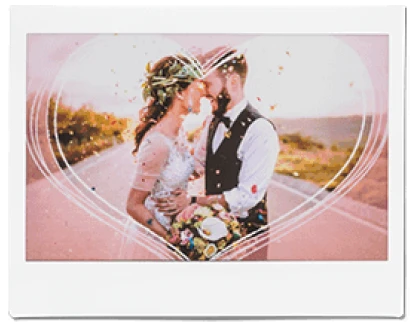
Customize colors and text your way, create templates that feel uniquely yours.


Other Features
Collage Print
Go WIDE, tell more. Collage mode brings all your favorite moments into one print, more story, more memories.
Various Stickers
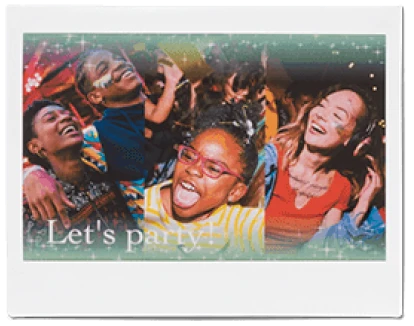
Celebrate every moment with 1,600+ in-app stickers, add fun, personality, and a little extra cheer to every WIDE print.
Sketch, Edit & Print
Turn anything into a sticker, your drawings, pets, even doodles. Capture, cut, add, and print.
*The emojis available may differ depending on your Smartphone.
Step 1
Step 2
Step 3
Step 4
Product Design
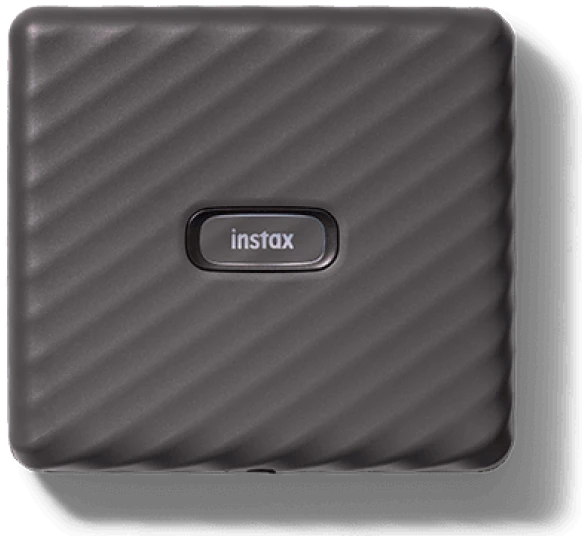
Luxurious, compact, and travel-ready. The instax Link WIDE™, in Ash White and Mocha Gray, is made to stay by your side.


Product
comparison
instax Link Wide Printer
With the introduction of AI, you can now scan an instax™ photo regardless of the background or angle, or even in your hand.
Scan instax™ photos using high-quality AI scanning
Organize your collection of scanned instax™ photos
Share your gallery across social media
All your instax™ photos, digitally in one place
Learn MoreFor further queries, please contact our support team.
The character limit for a QR Print Mode "Hidden Message" is up to five lines with a maximum of 100 characters in total.
You can pair a Instax Link WIDE printer with only one smartphone at a time. If you want to pair it with a different phone, you'll need to unpair the current phone first.
The supported video formats are MOV for iOS devices and MP4 for Android devices. However, please note that the files must be three minutes or less in duration to be compatible.
The app requests access to your location because it needs it to establish a Bluetooth connection with a printer. This is a common requirement for Bluetooth connections on many devices and platforms.
To update the firmware of your Link WIDE printer, follow these steps: